AI Scribe
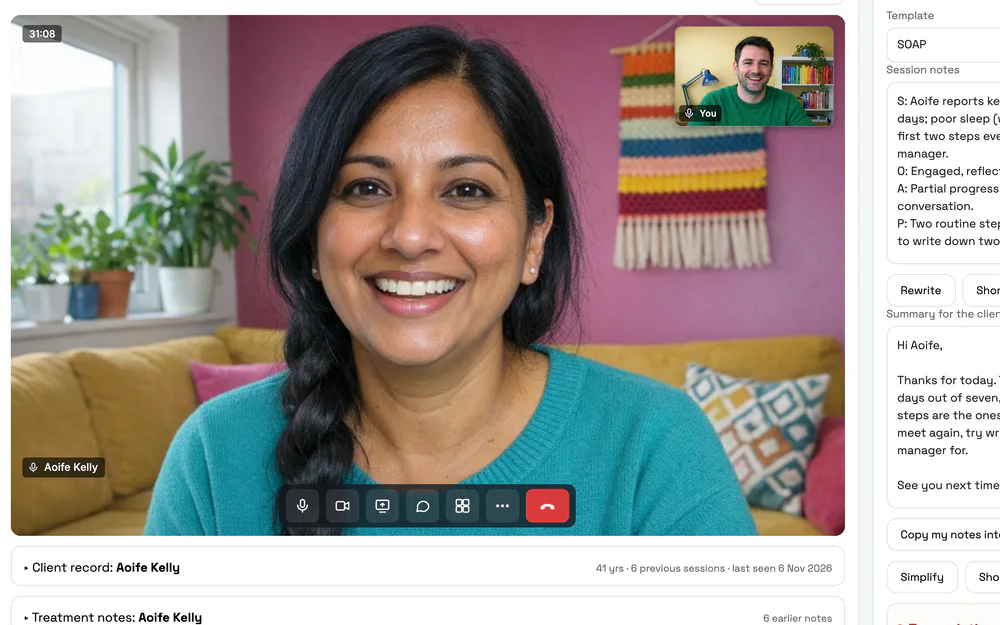
It listens to the session and has your note drafted, in your style, by the time your client has left.
- Online sessions and sessions in the room
- Your template and your way of writing
- Names swapped out first, and no audio kept
- You check, edit and sign every note
How it works
Listen. Draft. You sign.
-
Listen
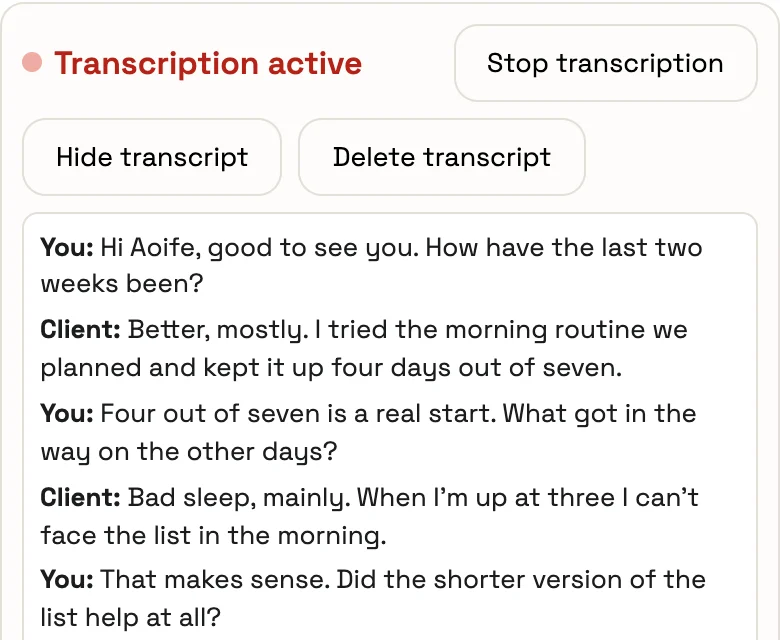
Start the session as usual. AI Scribe writes out what’s said while you give your client your full attention.
-
Draft
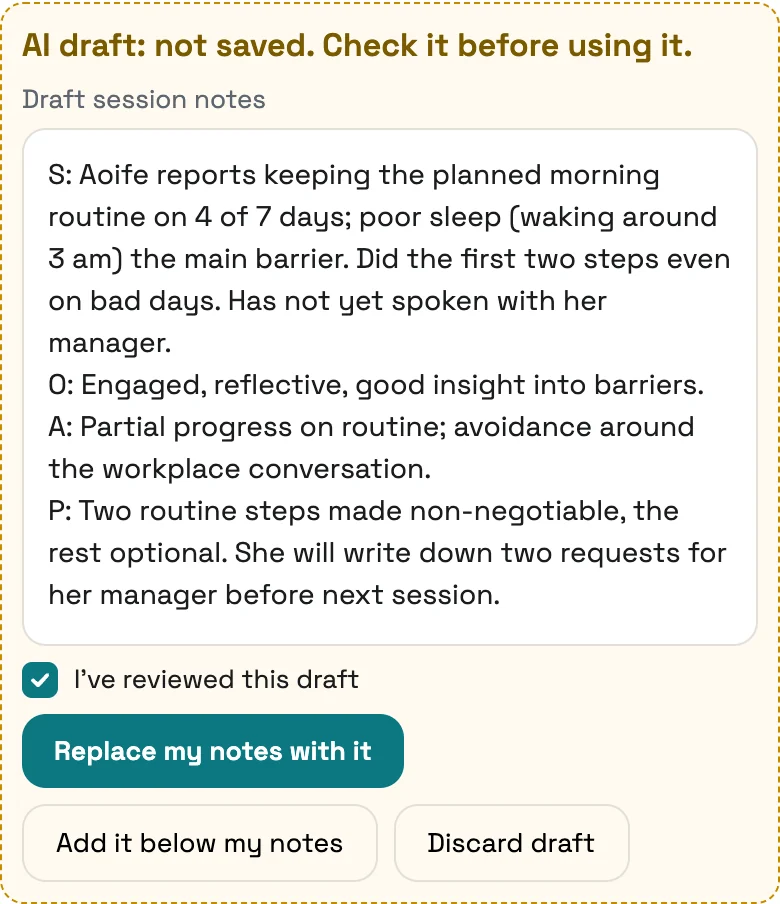
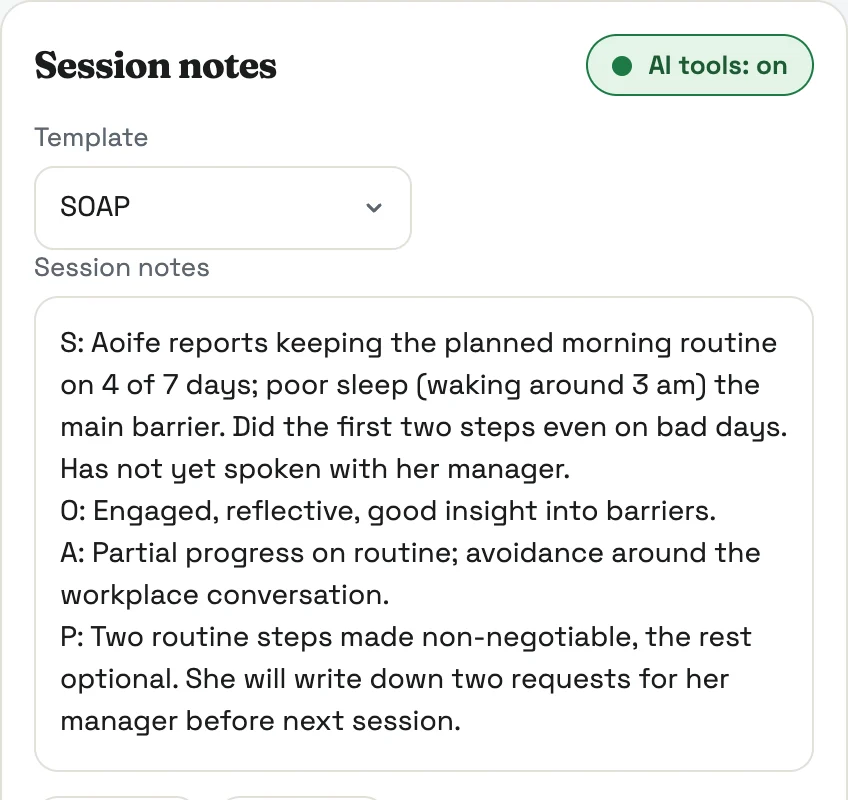
When you finish, the note is drafted in the template you picked, with a summary for your client beside it.
-
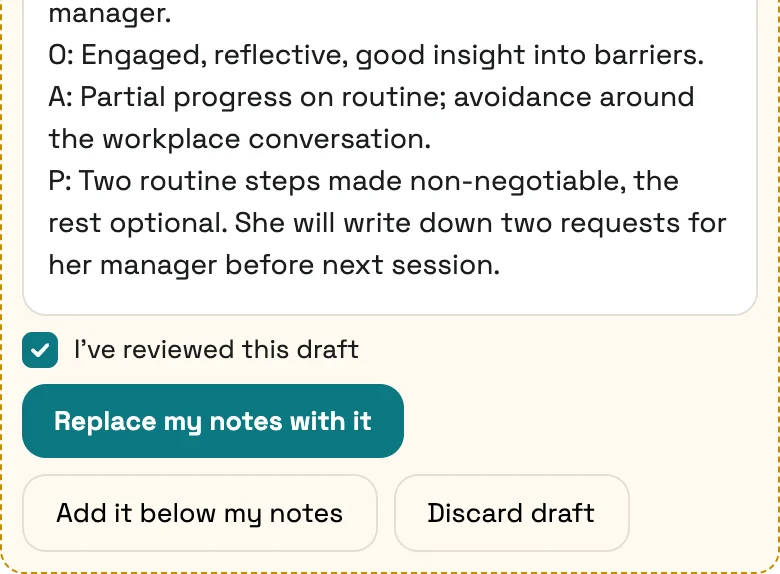
You sign
Read it, change anything, and save it under your name. Nothing reaches the record until you do.
Your style and templates
Drafts in your own style and templates.
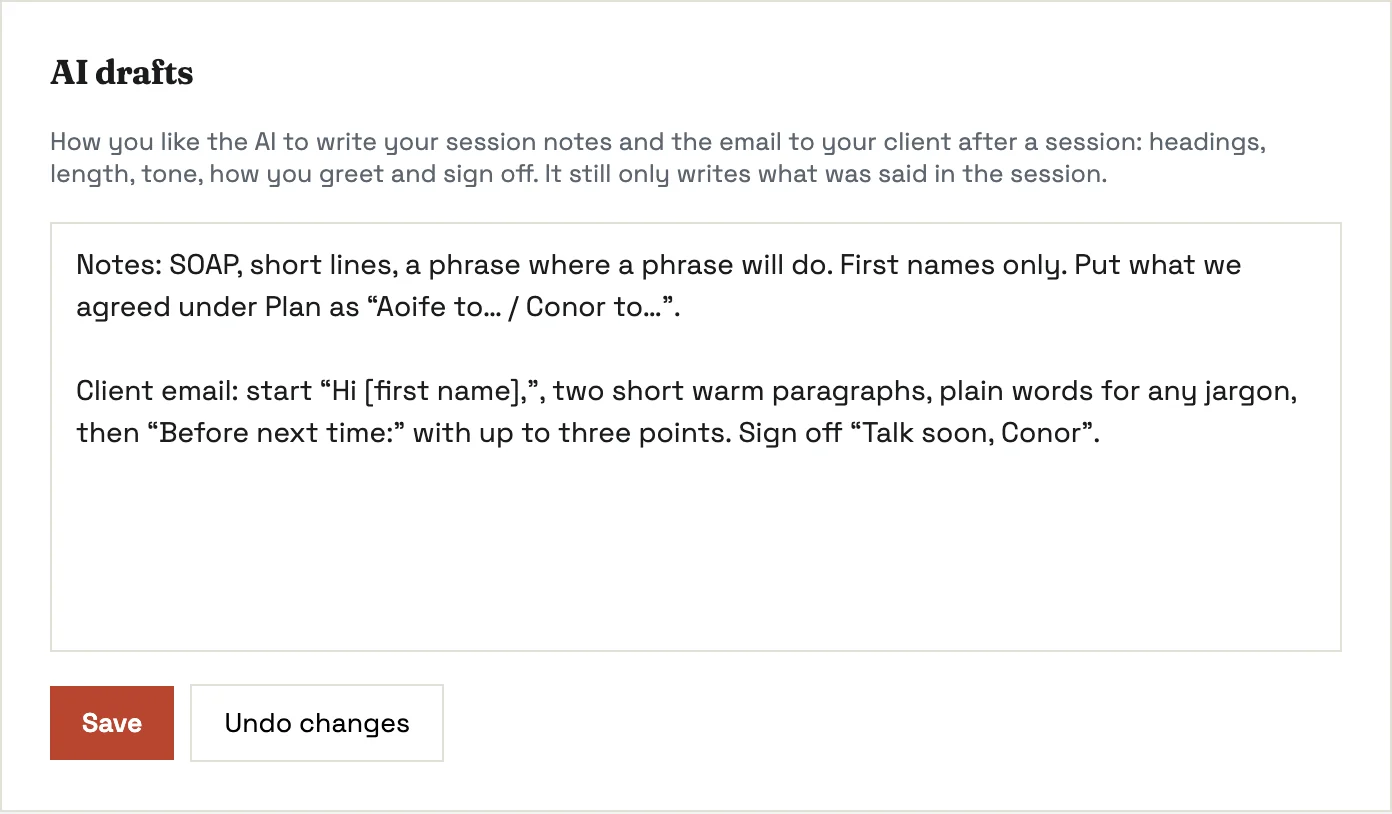
Tell AI Scribe how you like your notes and your client emails. It keeps to that, and learns from what you change.
- SOAP, DAP, initial assessment, review, or your own templates
- Your headings, length, tone, greeting and sign-off
- Gets closer with every draft you edit
- A style for each practitioner in the practice
Online and in the room
Works online and in the room.
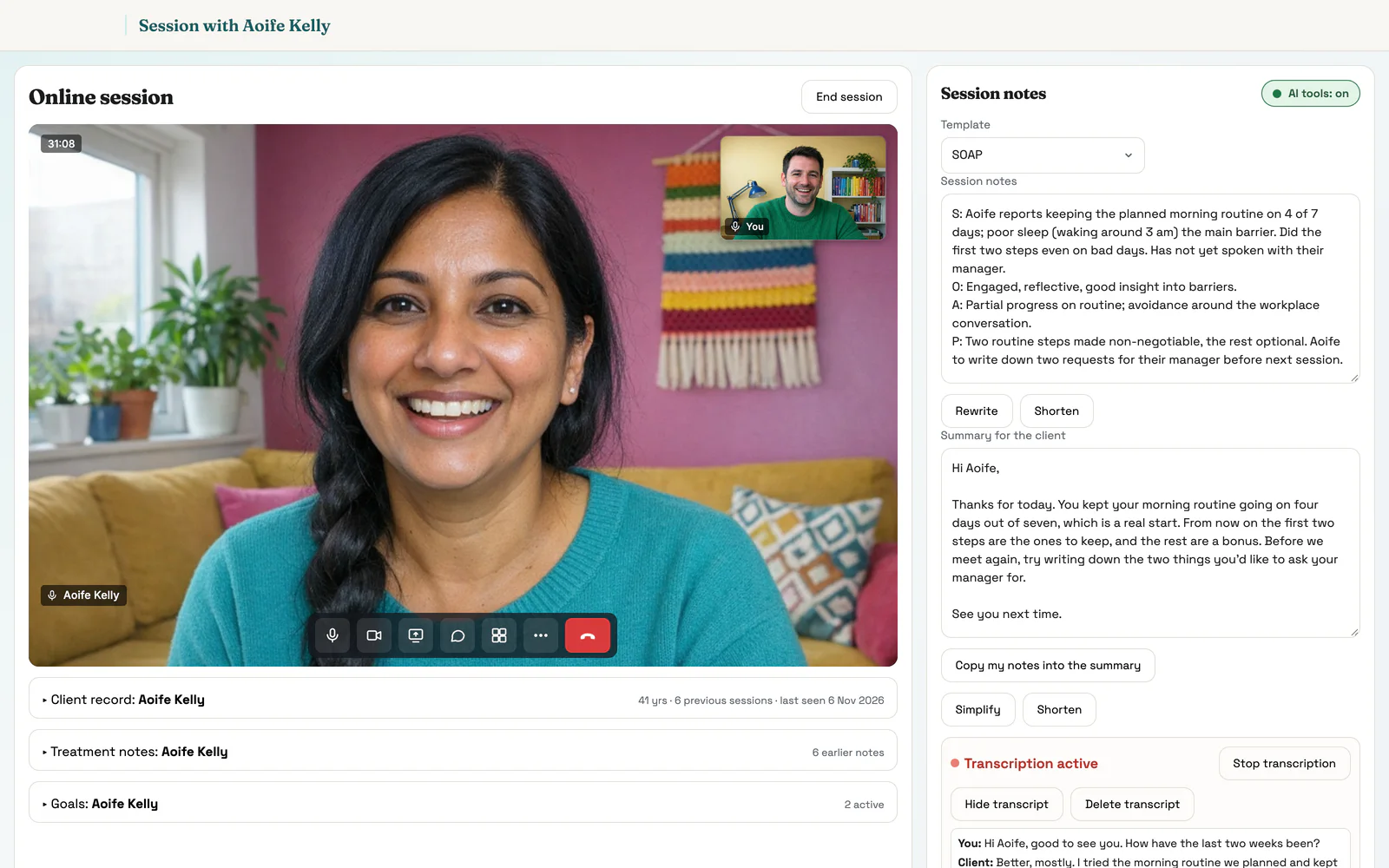
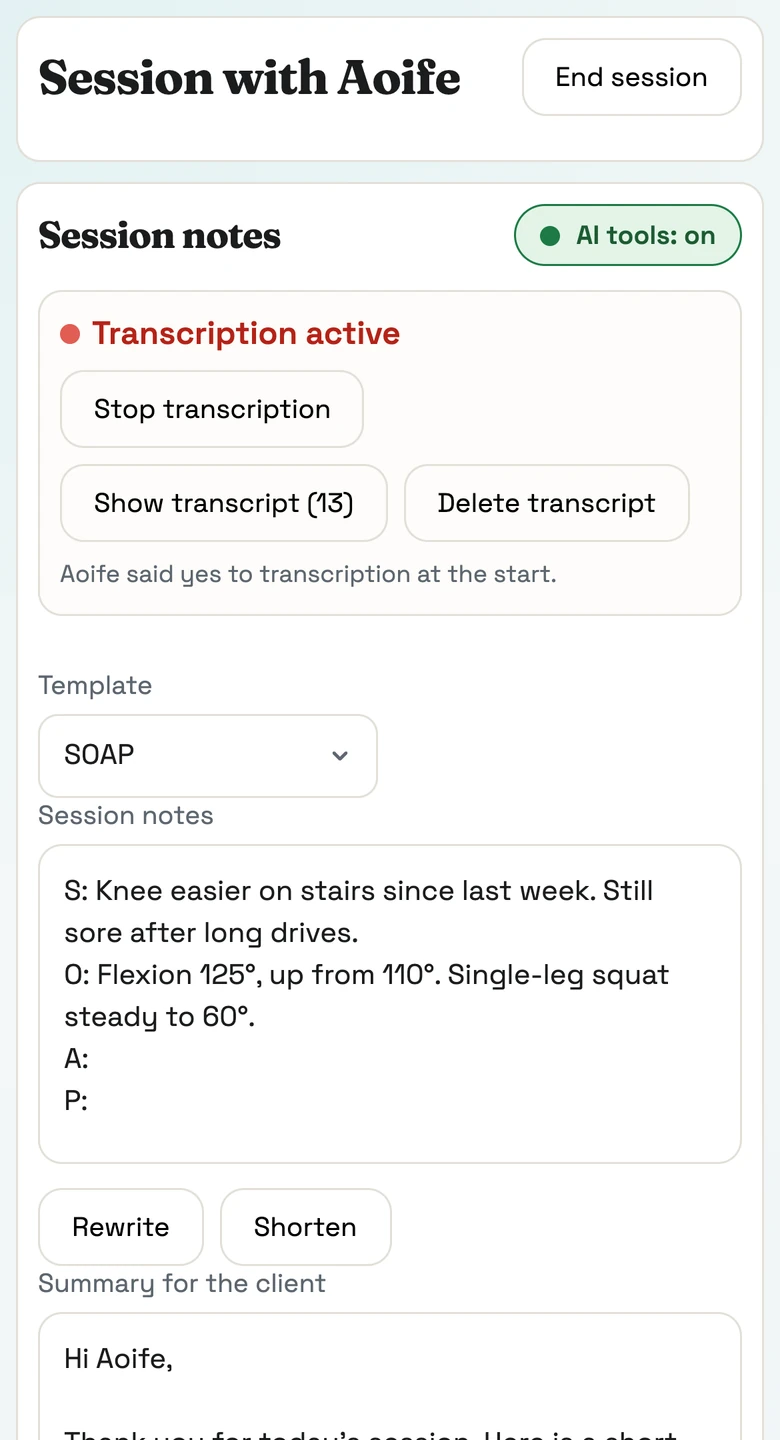
AI Scribe is built into Pracler’s video calls, and it listens through your laptop or phone when your client is in front of you.
- Nothing to install and nobody extra in the call
- In the room, press Start session on your laptop or phone
- A live transcript only you can see
- Stop and start whenever you like
Private by design
Names are removed before any AI reads the text.
Names and identifying details are swapped for placeholders first, and put back only on your screen.
- No audio is kept. It’s gone seconds after it’s heard
- Runs on servers in the EU
- Never used to train anyone’s model
- Your client is told, and can opt out with one tap
- In the sessionSpeech is written out as you talk. The audio is discarded straight away.
- Names swapped outBefore any AI reads it, people and places become placeholders.
- Drafted in the EUThe note is written on European servers. Nothing is used for training.
- Back to youThe names go back in on your screen. You check the note and sign it.
Beyond the note
The summary, letters and follow-ups too.
From the same transcript, AI Scribe drafts the rest of the paperwork that follows a session.
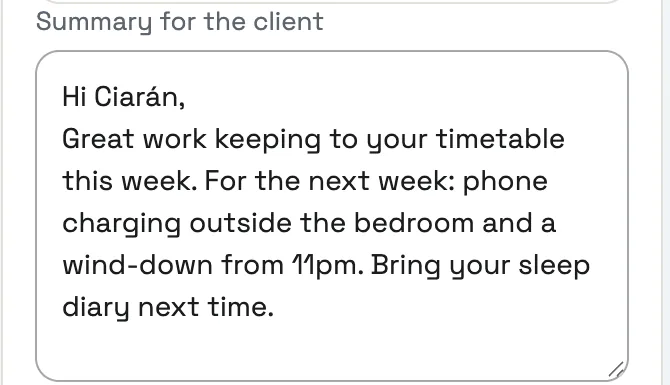
- A summary for your client in plain words, ready to send
- Letters and reports started from what was said
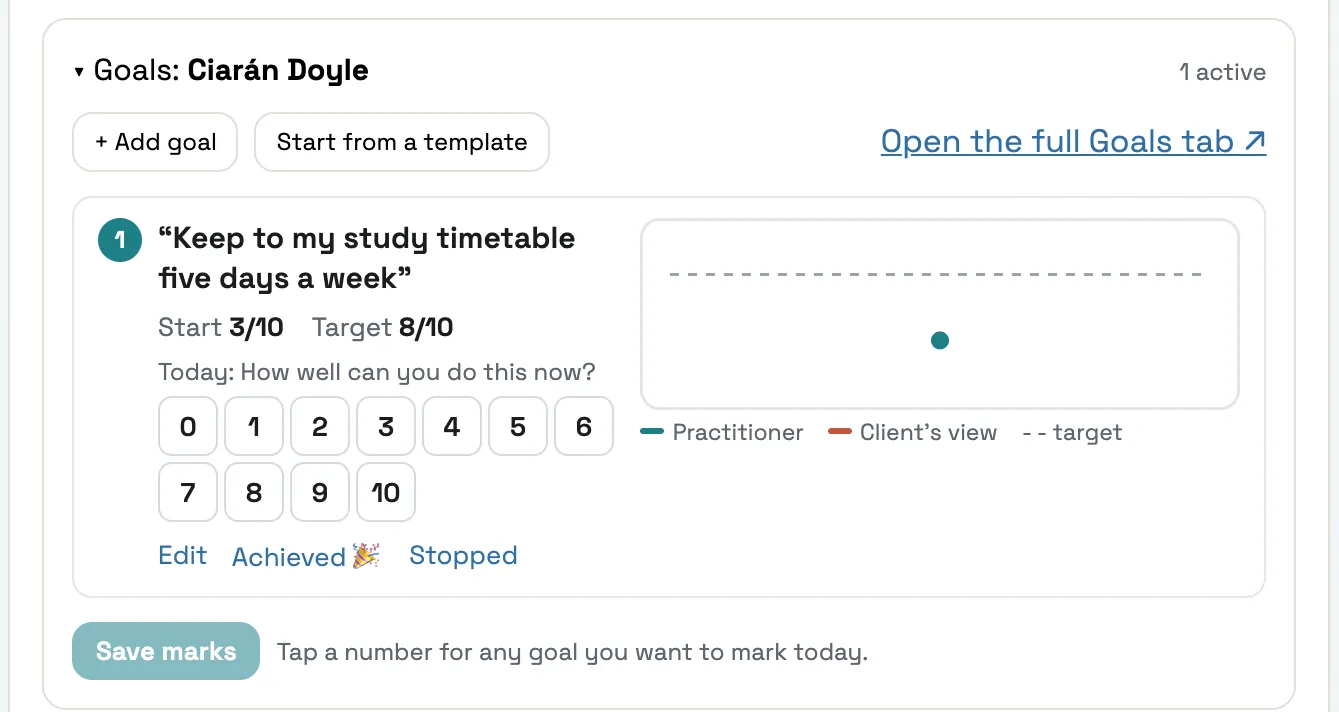
- Today’s marks set against each goal
- Follow-ups added to your Tasks
More in AI Scribe
Dictate after a session
No transcript? Talk it through afterwards and get the same structured note.
Speakers labelled
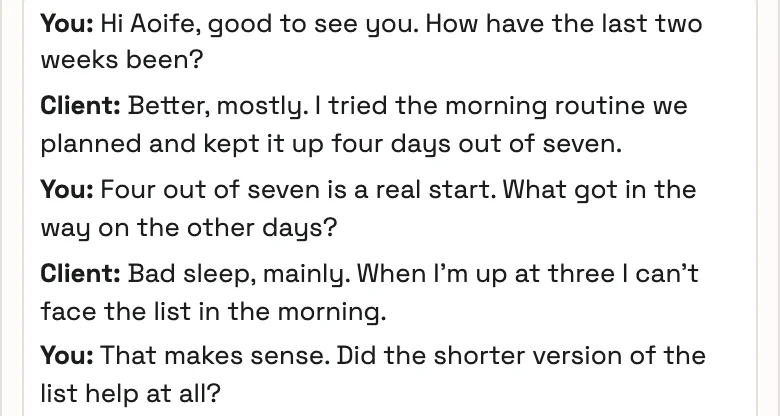
You and your client are labelled line by line in the transcript.
Irish accents and other languages
Follows the way people here talk, and sessions in Irish, Polish, Portuguese and more.
Outcome scores picked up
“About a four today” goes on the client’s chart as 4 out of 10 once you confirm it.
Group sessions
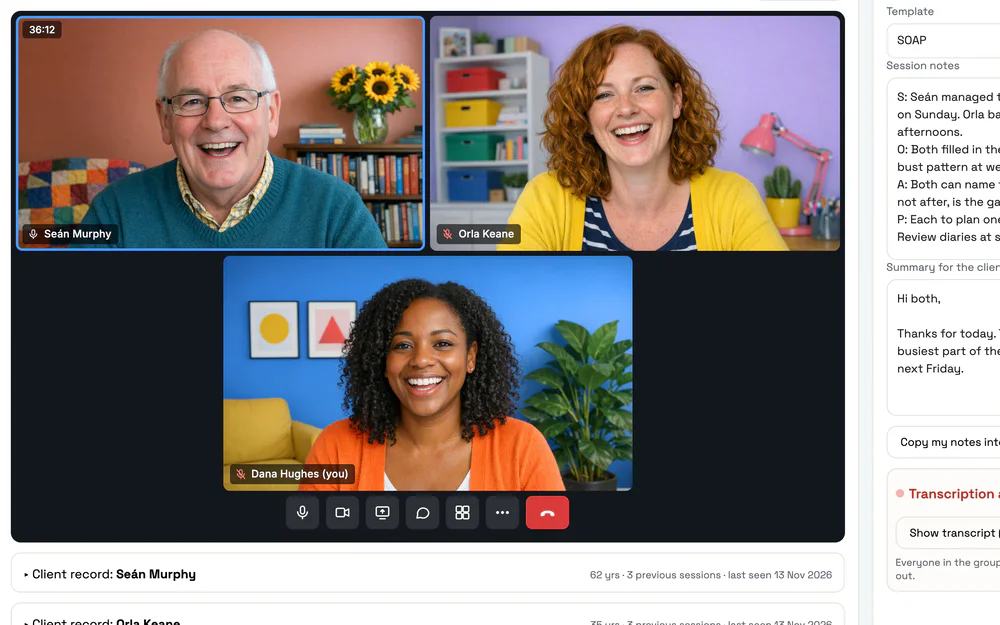
One session, with a separate draft note for each client in the group.
Codes for insurers
Suggests the codes for the session, ready for the invoice and the receipt.
Ask a question about the session
Ask a question and get the answer from the transcript, with the line it came from.
Rewrite, shorten, simplify
One click tightens a note or puts a summary into plainer words.
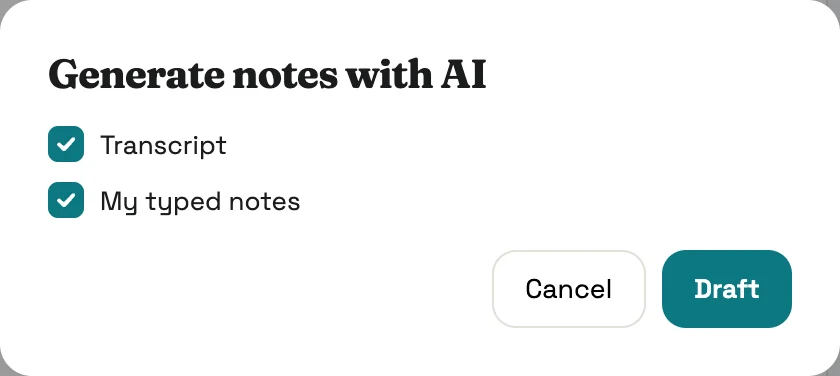
Uses your typed notes too
Jot things down as you go. The draft uses the transcript and what you typed.
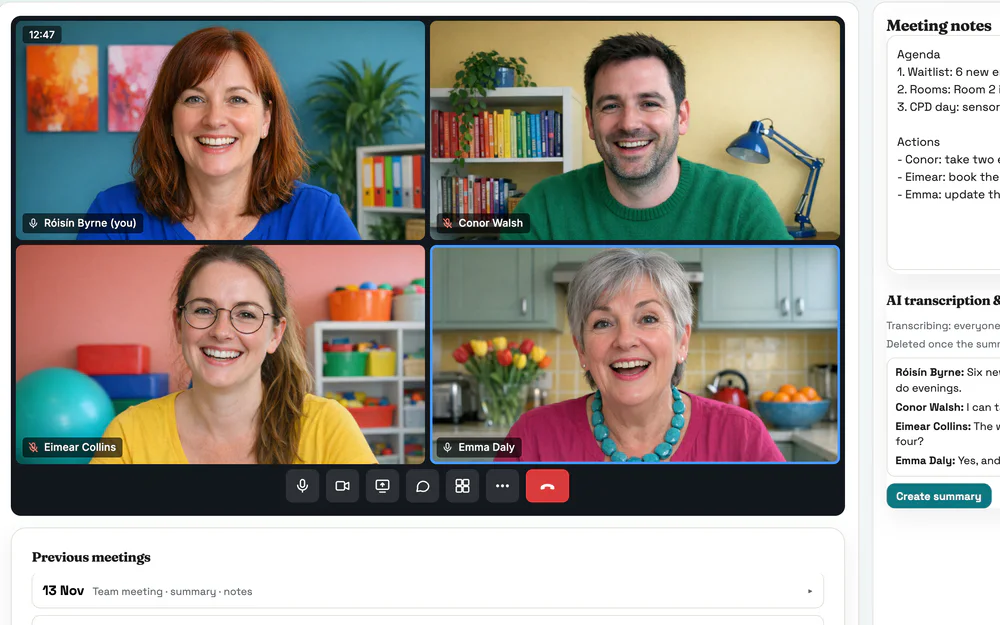
Team meetings and supervision
Minutes and action points for the team, and a private summary after supervision.
Long reports, section by section
Assessment reports drafted a section at a time. Redraft one without touching the rest.
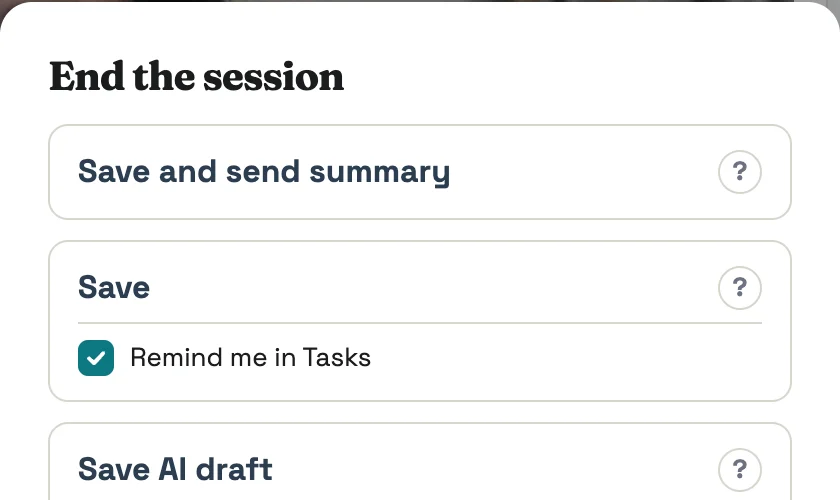
Drafts written in the background
End a long session and move on. The draft is written while you work and waits in Tasks.
Common questions
Does my client have to agree?
Every client is told before an online session starts that it will be transcribed, and again in the call. One tap opts them out, and their side isn’t transcribed. In the room, Pracler asks you to check with your client before it starts. If you’d rather ask for a yes every time, set it that way for the practice.
How accurate is it?
AI Scribe writes only what was said in the session, and you have the transcript to check it against. It’s a draft all the same. You read it, change what you like and tick that you’ve reviewed it before it goes into your notes. Nothing is filed until you save.
Is the session recorded?
No. Speech is turned into text a few seconds at a time and the audio is discarded straight away. It is never stored. The transcript shows in your own window only, and you can delete it at any time.
Where does the data go, and is it used to train AI?
Transcription and drafting run on servers in the EU, under a data processing agreement. Names and identifying details are swapped for placeholders before any AI reads the text, and put back on your screen afterwards. Nothing from your sessions is used to train anyone’s model.
What does it cost?
Nothing extra. AI Scribe is part of every Pracler plan, for up to 60 transcribed sessions per practitioner a month.
Early access · 30-day free trial
Try AI Scribe on your next session.
We set up each early-access practice in person, your templates and your writing style included.