Sessions & Records
Sessions online or in the room, notes written as you go, and everything about a client kept on one record.

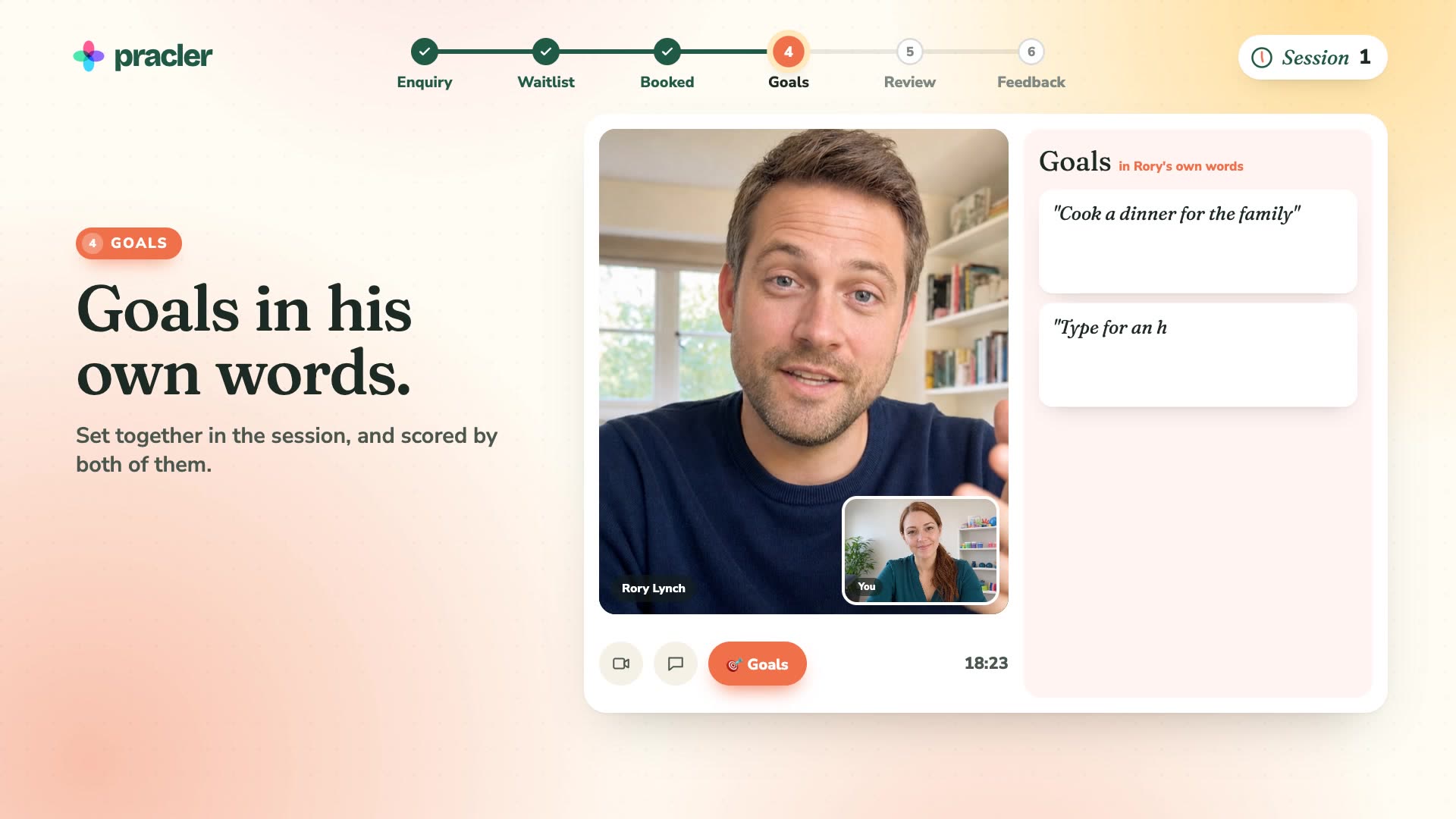
See one client’s journey through Pracler, from first enquiry to discharge.
Telehealth
Telehealth calls, built in.
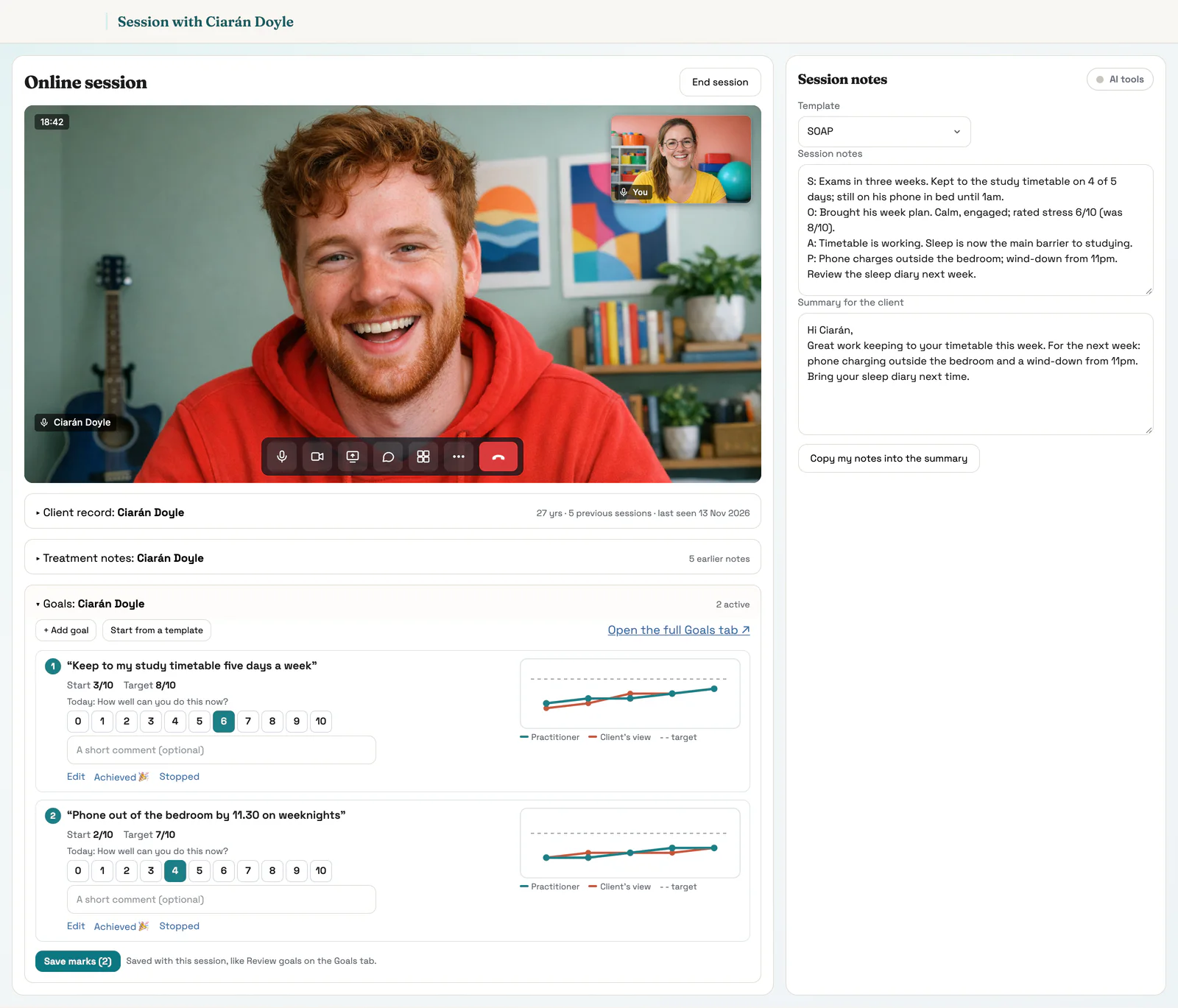
Online sessions run inside Pracler, with the client on screen and their notes, goals and record beside the call.
- Nothing for the client to download and no account to set up
- The link goes out in every confirmation and reminder
- A waiting room: you see the client arrive and let them in
- Arrange the screen your way: notes, goals, the record or your calendar beside or below the call
- Share your screen to show an exercise or a form
- Works on a phone as well as a laptop
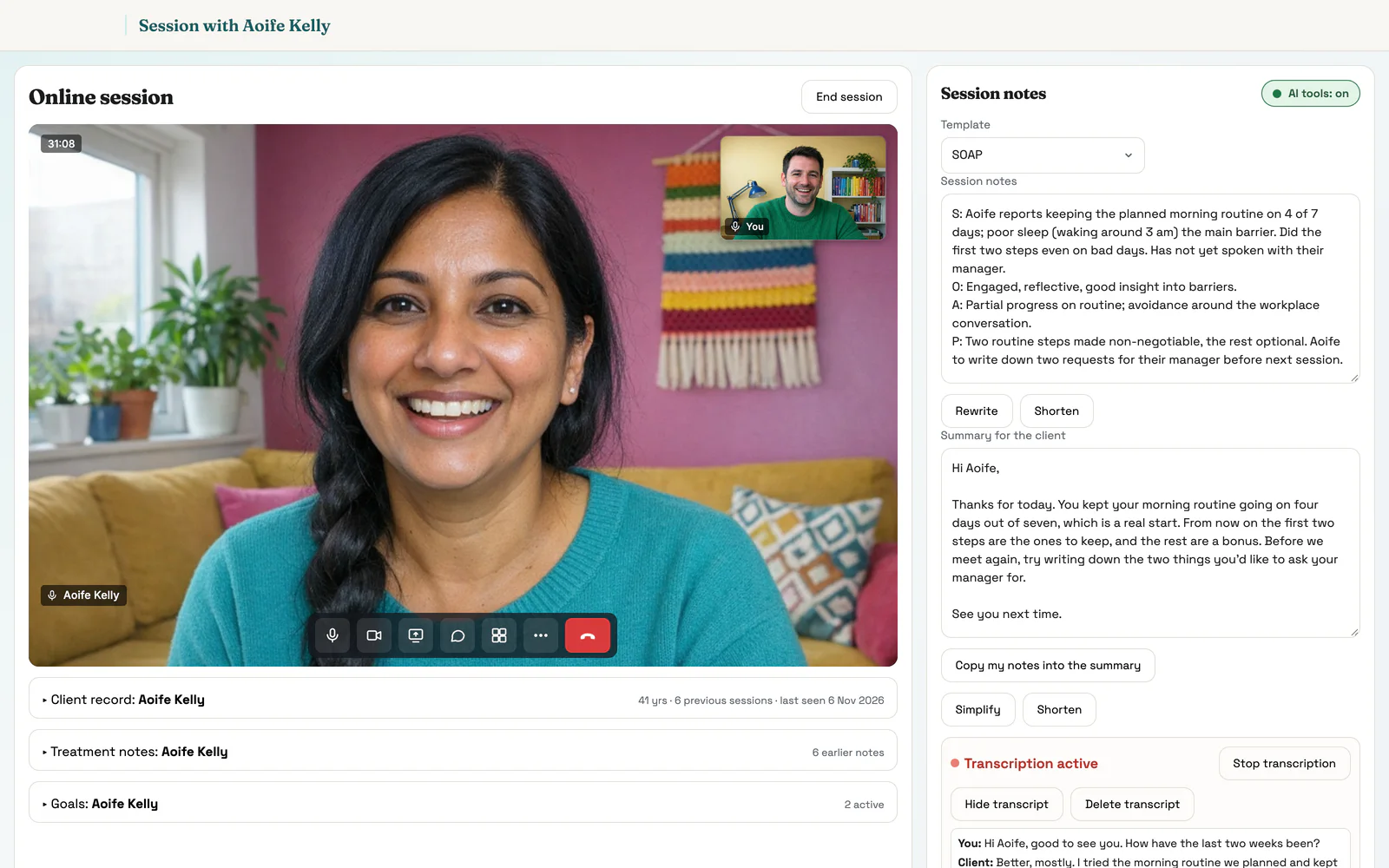
The same call for groups, supervision and the team
 3 on the call
Group sessions
Several clients in one call, with a record and goals for each.
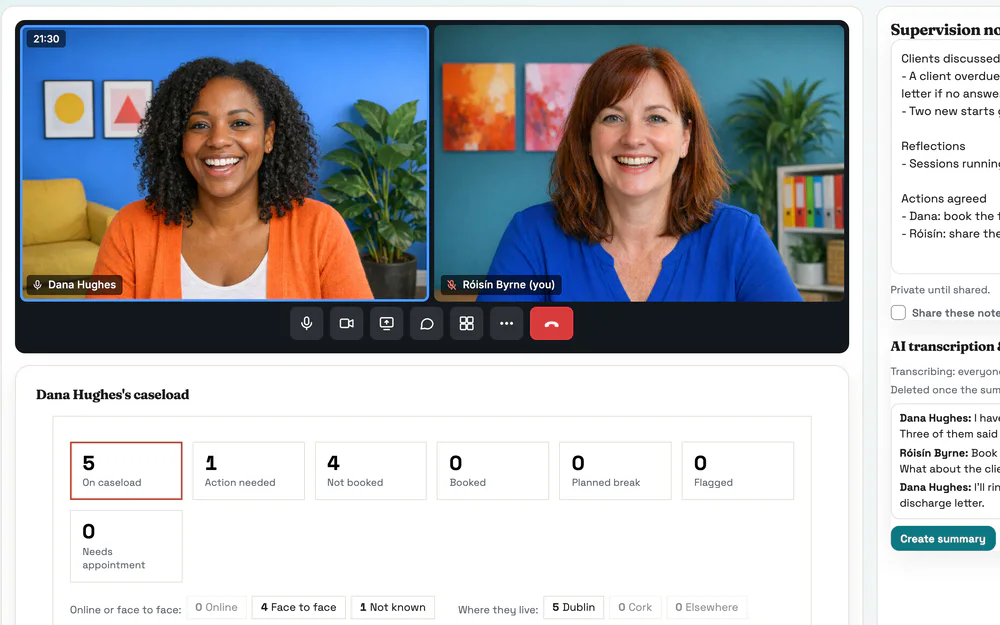 2 on the call
Supervision
Their caseload and hours under the call, and notes that stay private.
 4 on the call
Team meetings
Shared notes beside the call, and a summary for everyone afterwards.
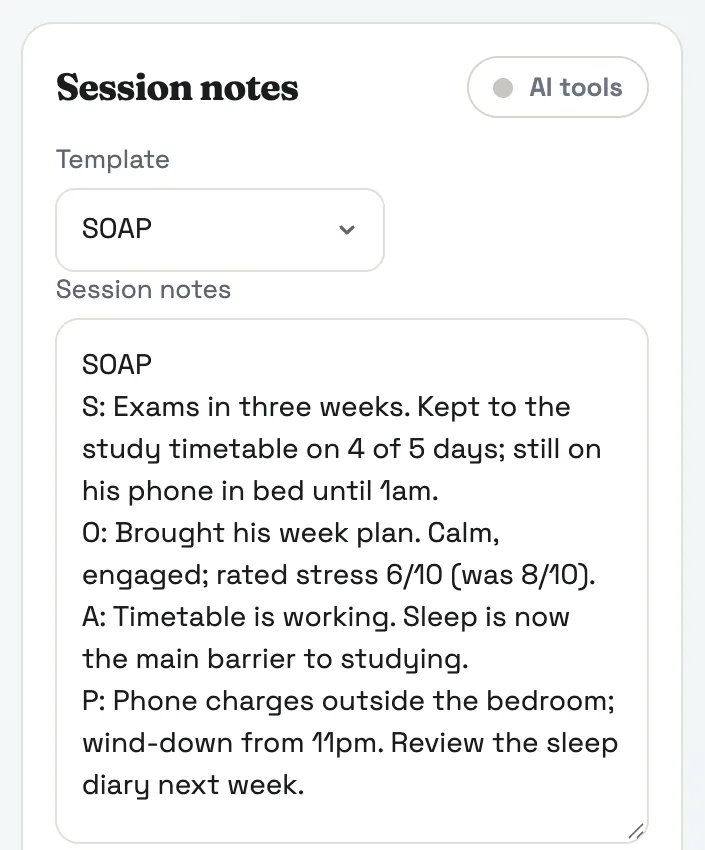
Treatment notes · AI Scribe
Treatment notes in your own templates.
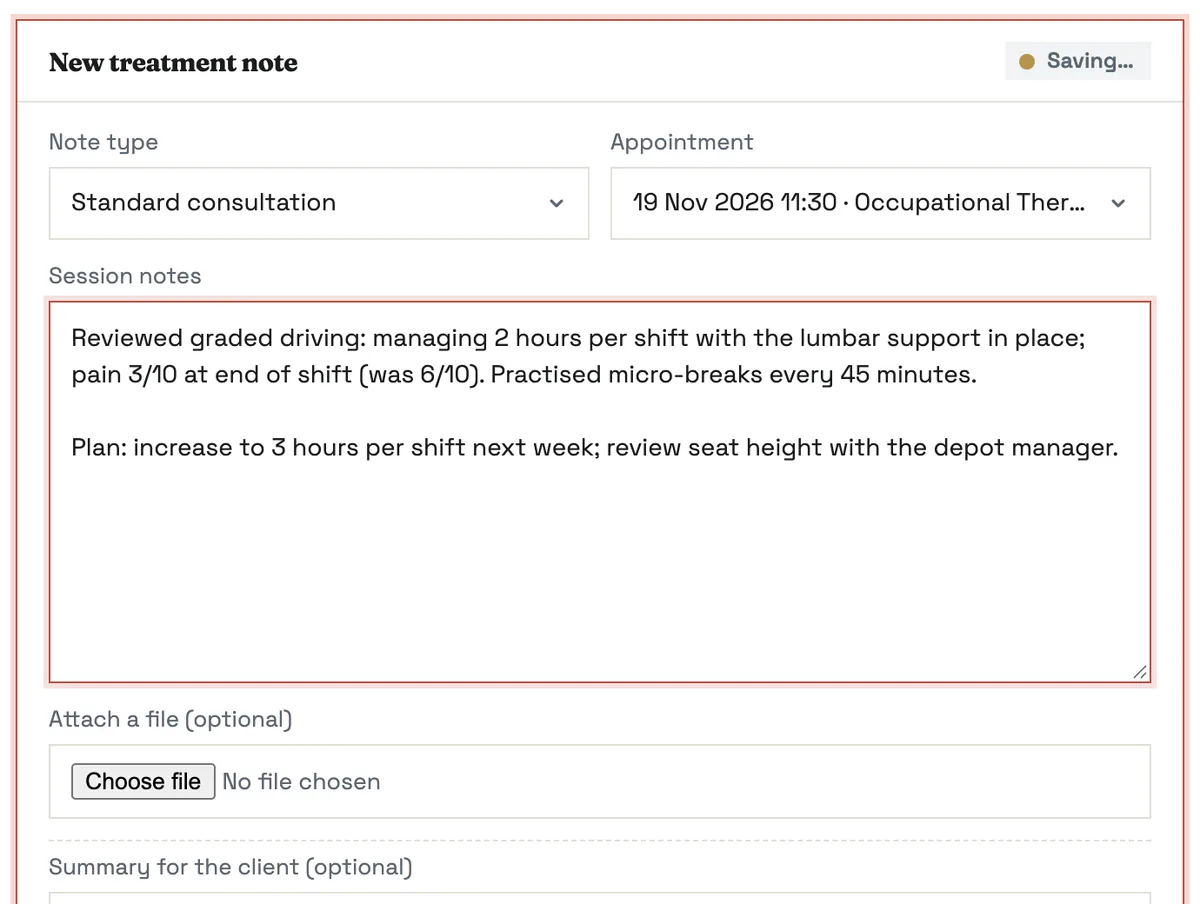
Start from a template, or let the AI Scribe draft the note from the session, and sign it when you’re happy.
- SOAP, DAP, initial assessment and review templates, or build your own
- The AI Scribe drafts from the session, by video or in the room
- Copy last time’s note forward. Drafts save as you type
- Sign to lock a note. Unfinished ones wait in your Tasks
The client record
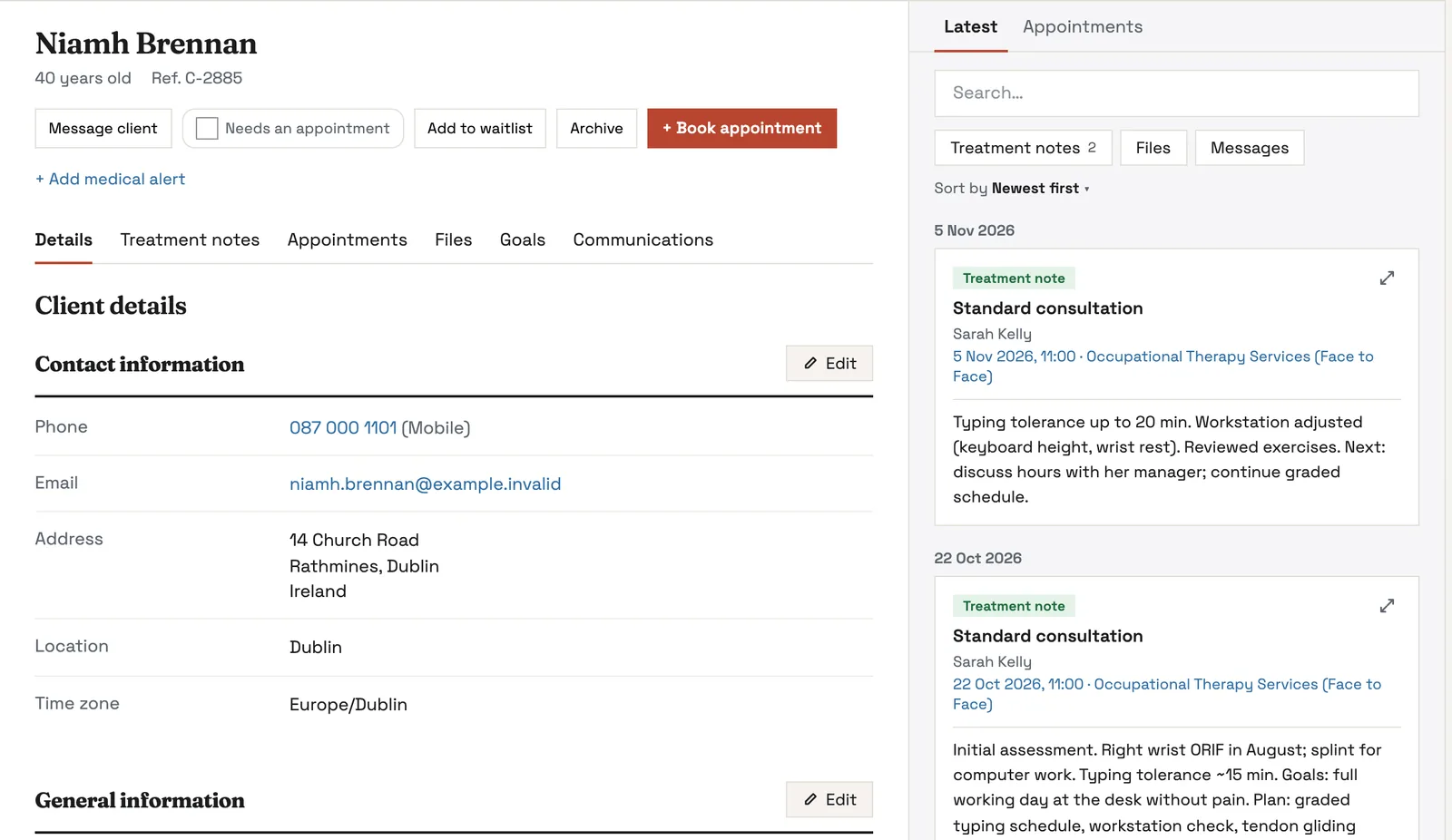
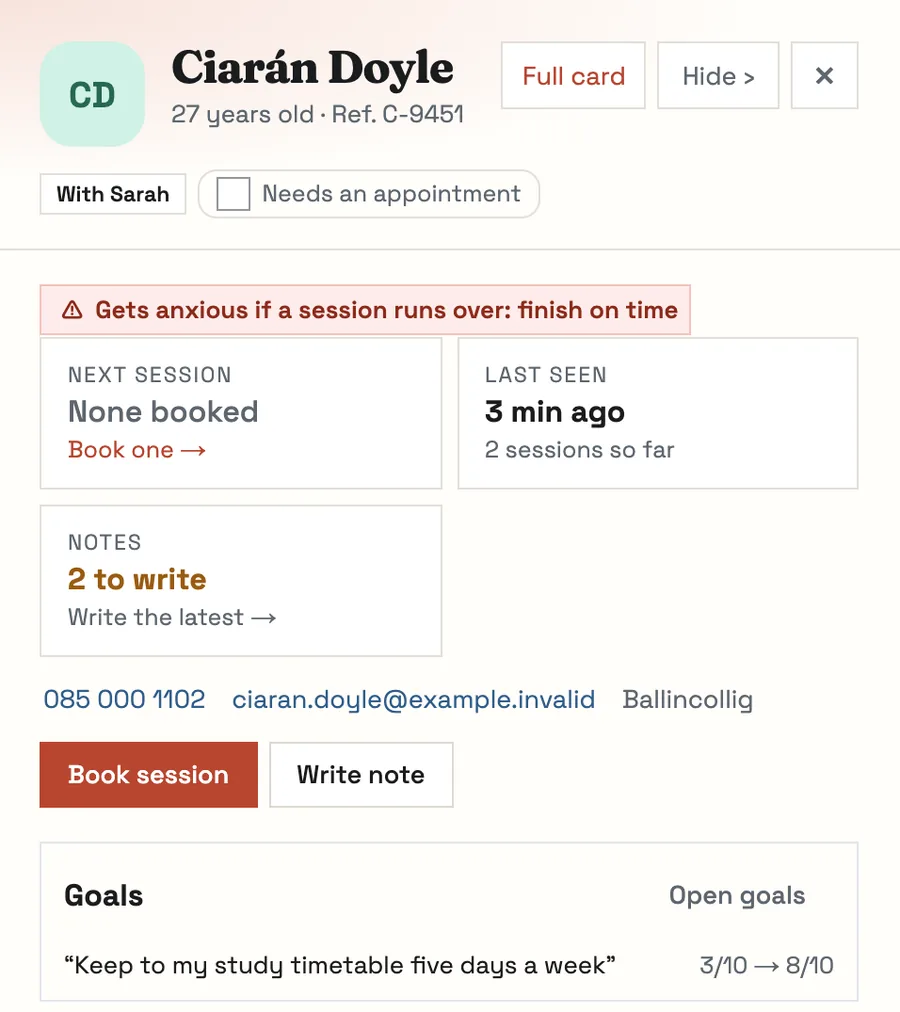
Every client, on one record.
Details, notes, sessions, files, goals and messages, kept together and open in a click from anywhere in Pracler.
- Click a name on any screen and the record opens over your work
- Your own fields for anything your practice records
- Book, message or add to the waitlist straight from the record
- Edit one part at a time, without leaving the page
Client portal
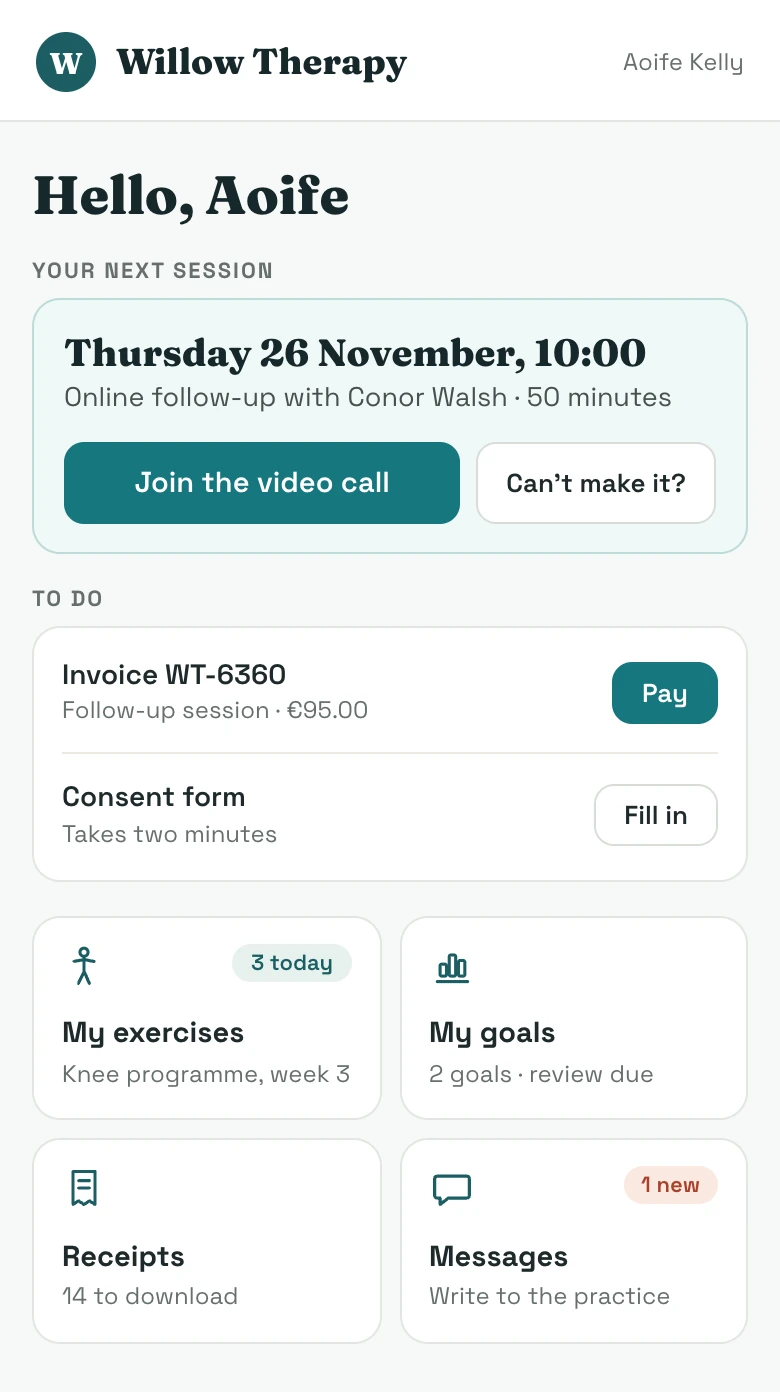
A private page for every client.
One link, with no password to remember, where clients look after their own sessions, forms and payments.
- Upcoming sessions, with the button to join a video call
- Forms to fill in, invoices to pay and receipts to download
- Their exercises and their goals
- Messages to and from the practice
Goals and outcome measures
Goals and outcome measures, charted.
Set goals in the client’s own words, mark them during the session, and chart standard measures beside them.
- Score out of 10, or use COPM or GAS
- Measures such as PSFS, PHQ-9 and GAD-7, scored and charted for you
- Clients score themselves from a private link before a review
- A reminder on the booking when a review is due
More in sessions & records
Medical alerts up front
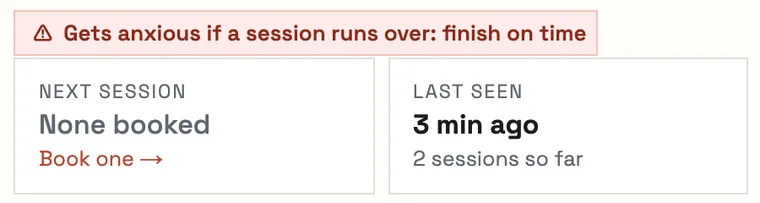
Allergies, risks and things to remember show at the top of the record and on the booking.
A timeline of every session, note and file
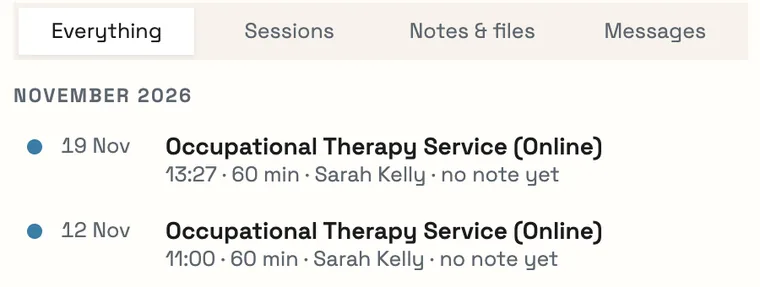
Sessions, notes, files and messages in date order. Filter it or search it.
Messages on the record
Every email, WhatsApp and text sits with the client. Voice notes are written out for you.
Intake forms that fill the record
Answers, consents and preferences go straight into the record.
Consent forms and e‑signatures
Send a form, the client signs on their phone, and the signed copy is filed.
Letters and reports from templates
GP letters, insurer reports and assessments, filled in from the record and sent as a PDF.
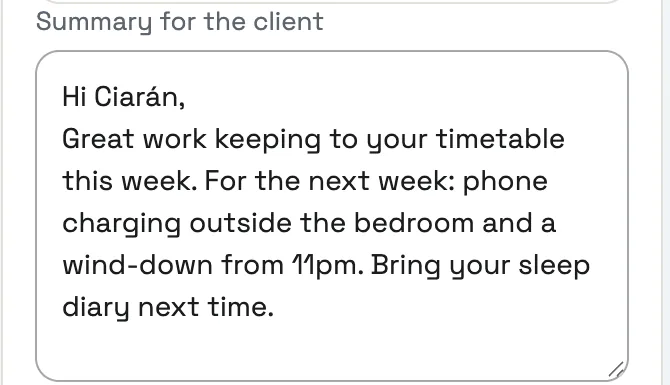
A summary for the client
A short, plain note of what you covered and what to do next, sent after the session.
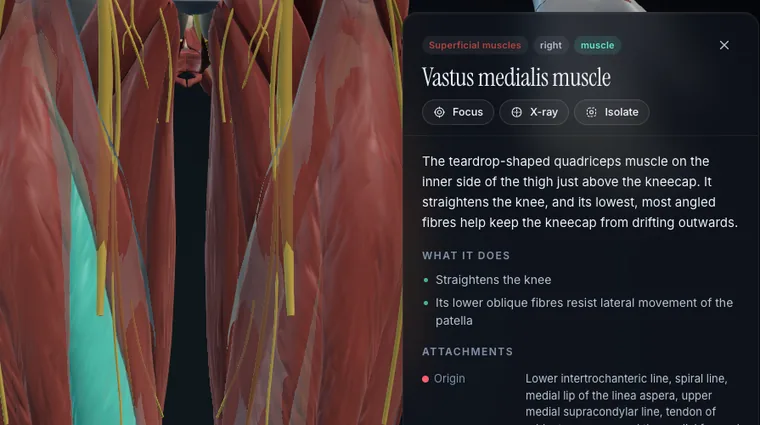
3D anatomy to show clients
Show a client the muscle, nerve or ligament involved, from 1,630 structures.
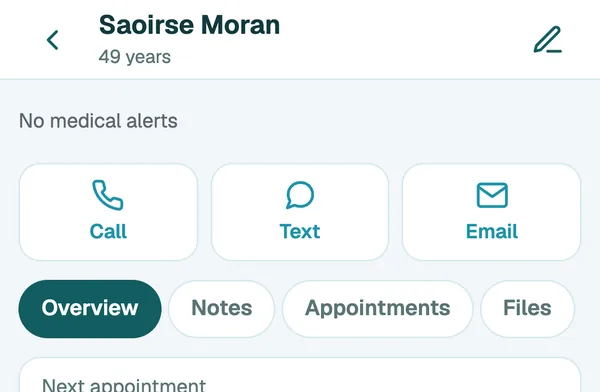
The record on your phone
Alerts, notes, appointments and files, with call, text and email one tap away.
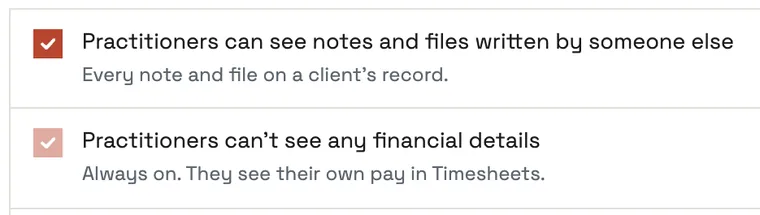
Control who sees notes
The owner decides whether practitioners see each other’s notes. Fees stay private.
A history of every change
Who opened, wrote, signed or changed what, and when. Signed notes can’t be quietly edited.
Referrals in and out
Who referred the client, the GP and anyone else involved, with letters to and from each.
Families and linked records
Parents, guardians, schools and case managers, and who may be told what.
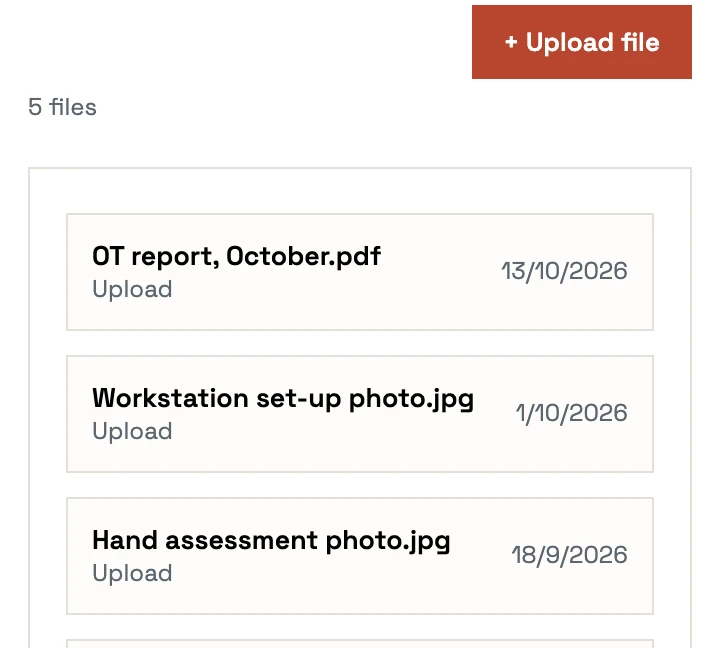
Files, photos and scans
Drop in referral letters, photos and reports. Kept in private storage in the EU.
Discharge summaries
Goals met, measures and advice pulled together when care ends, ready for the client and their GP.
Export a client’s full record
Notes, files and messages in one download when a client asks for their data.
3D anatomy: Z-Anatomy and BodyParts3D, CC BY-SA 4.0
Early access · 30-day free trial
Bring your records with you.
We set up each early-access practice in person and move your client records, notes and files across.